Somehow while Sleeping, my brain was thinking about Frogger the game, I mean I couldn’t even remember the version I wanted and I searched for it to find this image,
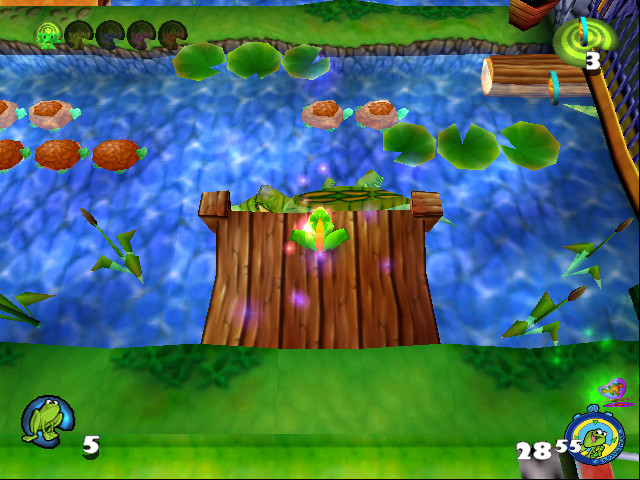
I said yes that’s it, turned out this was Frogger 2, so I downloaded from myabandonware.com, which hosts old games. however it didn’t want to continue past startup screen, it crashes, so I decided to hook up my x64dbg and procmon to see what’s the issue, running in the debugger helps us catch exceptions, so if it crashes we will know exactly where.
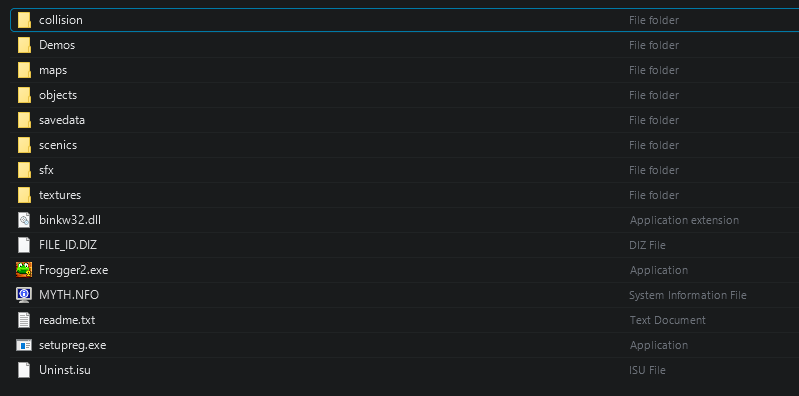
When you download the game, you will find these folders, this will become important later.
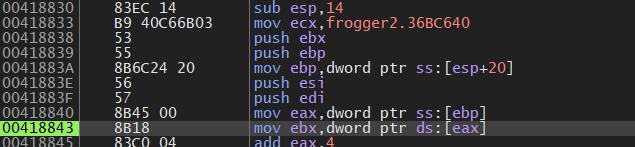
First crash we hit, is this
also by looking at procmon

We can see its unable to find these files, if you went back to look at the folder structure, you will see that sfx and collision are not inside textures, however to make sure this is the problem (or Idk this is an excuse to show you), we can trace back the code, looking at IDA we can see
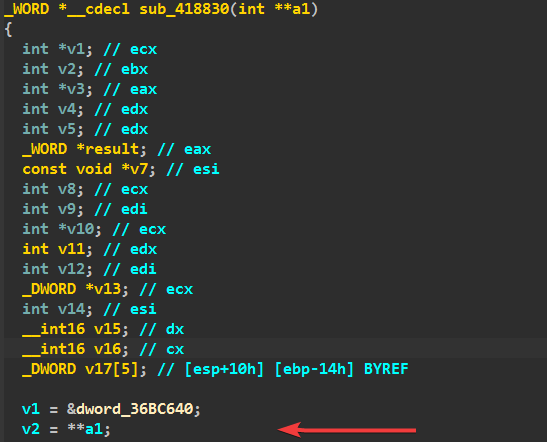
This is where the crash happens, a1 is an pointer passed to this function and when we try to read data at it, we get access violation, we can trace back to see what is it coming from

here we can see sub_43BF90, and its return value is set to a global variable, its then set to a1 and passed to the function causing the crash.
Let’s look inside sub_43BF90, its a wrapper around some other function which I named load_assets
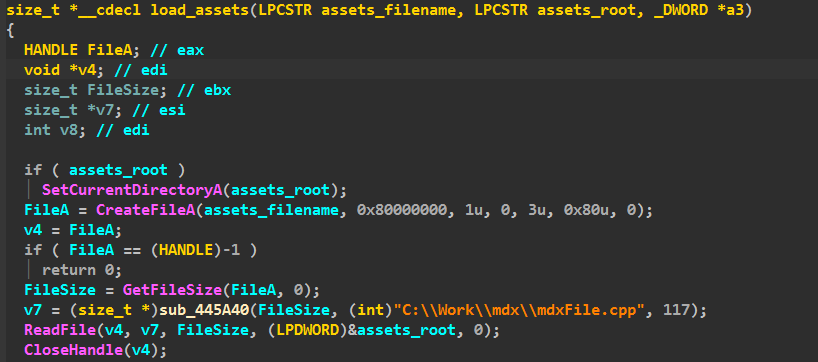
This function accepts an asset filename, and an assets root folder, it then calls SetCurrentDirectoryA if an asset root folder is specified, if so any path passed to assets_filename will be relative to that root folder, we have seen that it tries to load from textures\ and it didn’t find it so return PATH_NOT_FOUND, going by cross references we can tell where a root path is being passed as textures\, you can do that using a debugger or just by looking in IDA you will see
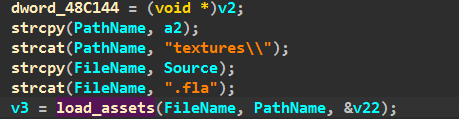
so here we can clearly see that PathName which is the root path, is set to textures\.
fine obviously, we all know the solution to this (just copy the files), so let’s do that and see, actually to save time, I found that many of the assets folders are required to be at textures\ so I will just copy them and see.
And the game works !
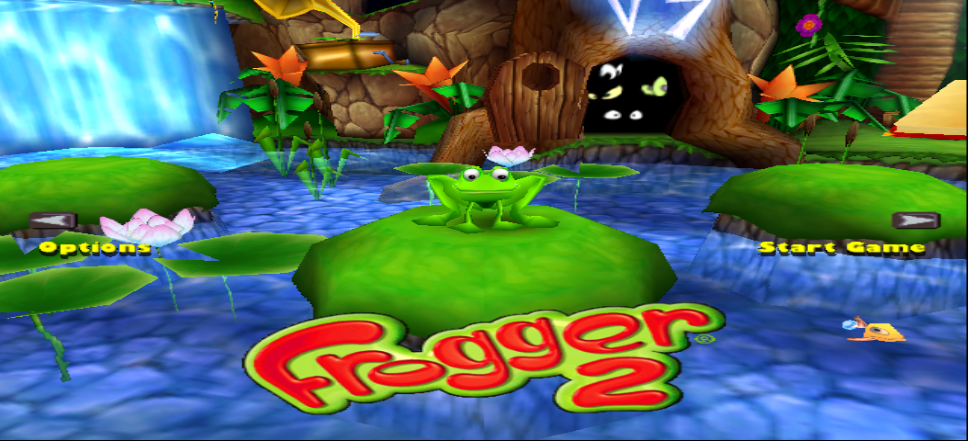
However, if you restarted the game, it won’t run at all, if you again hooked up a debugger you will find the crash coming from

Again following the same methods, we can see this was also data passed by, load_assets, but didn’t we fixed this ?
Turns out that the game sets a registry key under Software\\Hasbro Interactive\\Frogger2
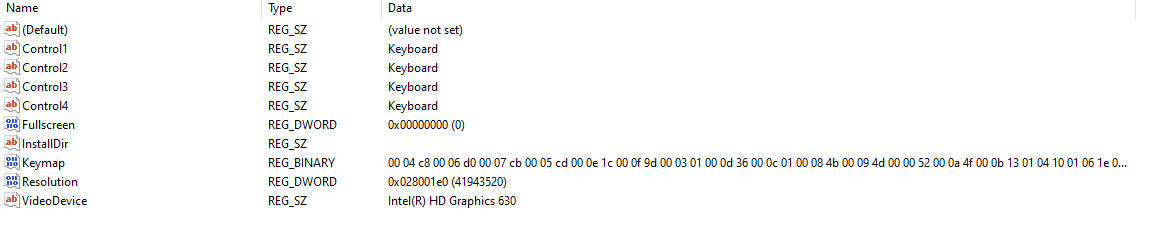
And it reads InstallDir into a global variable, however for some reason InstallDir here is empty !
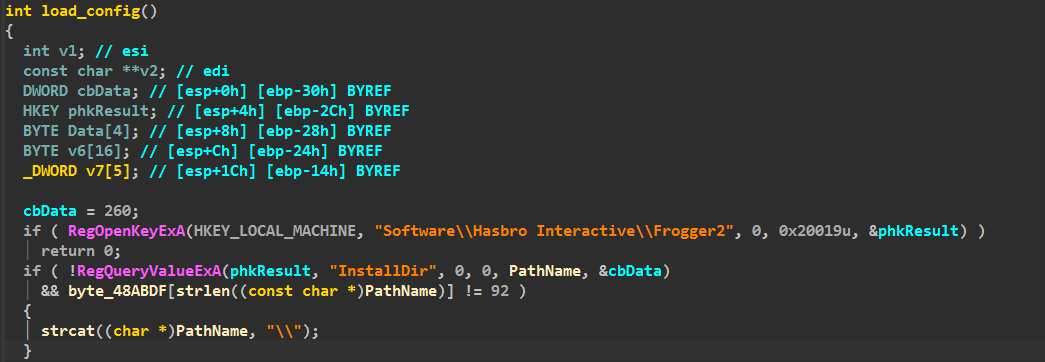
it also then doesn’t check for the string length, and concats it \\, so now the Root Path is just \,
that’s wrong because it will now read from C:\ and we don’t have the assets there.

so to fix this we can just set the InstallDir, however since this game runs under WOW64, these registry keys are translated on my system for instance its at, you can know this by looking at procmon.
HKCU\Software\Classes\VirtualStore\MACHINE\SOFTWARE\WOW6432Node\Hasbro Interactive\Frogger2
That’s it.
~ ahm3dgg